Client demonstration

The receptionist dashboard, surface by surface.

This is the real product interface, captured with synthetic business data so you can evaluate it without an account.

Simulated preview — synthetic business and call data. No live account, no customer information, and nothing on this page places calls or creates charges.

01 · The dashboard tour

Five surfaces a business actually uses.

Overview

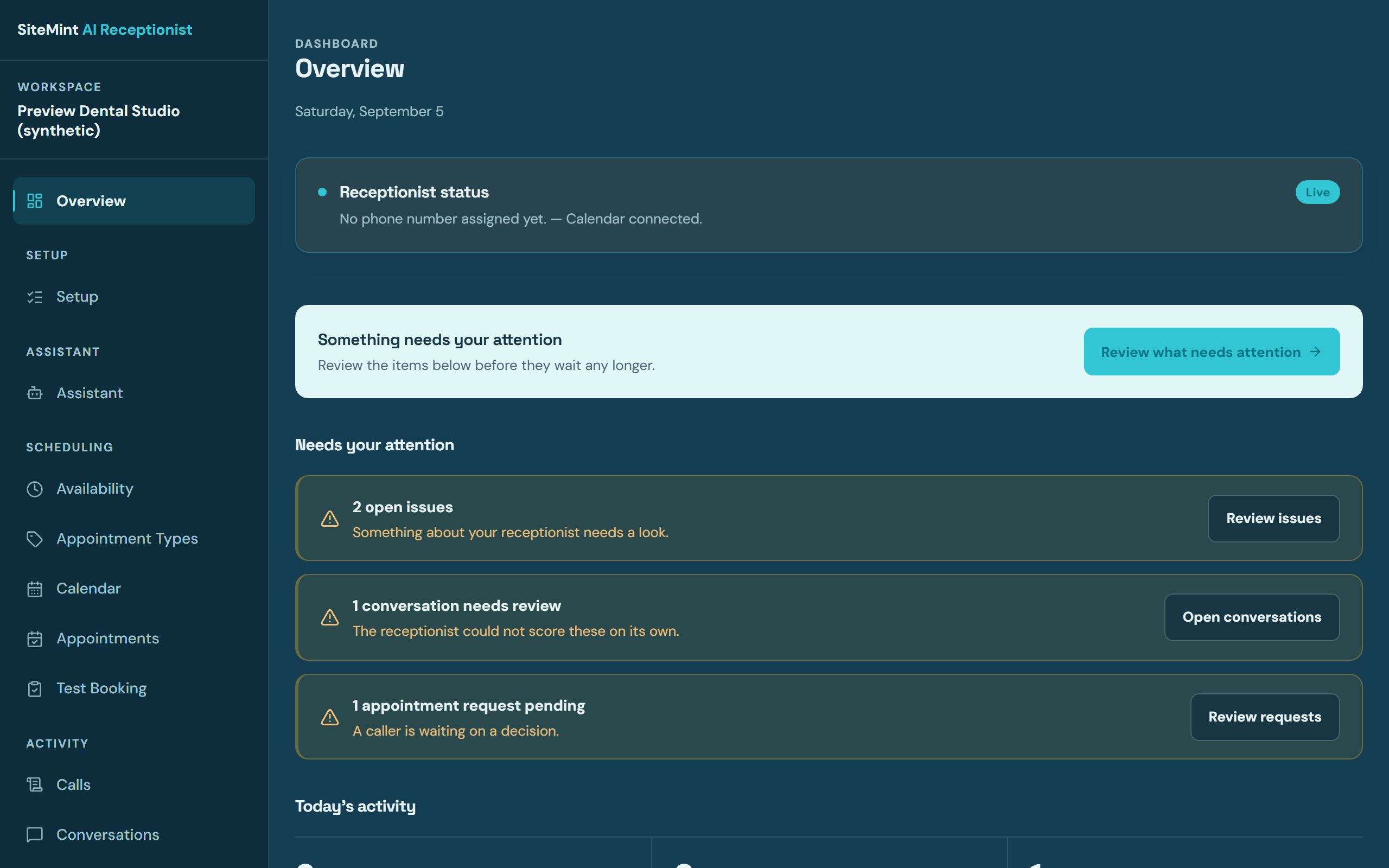
The workspace a business owner lands on: today's activity, recent call outcomes, and what needs a human next — one screen instead of a voicemail inbox.
SiteMint dashboard overview screen with synthetic preview data
Dashboard overview — synthetic preview data

Calls

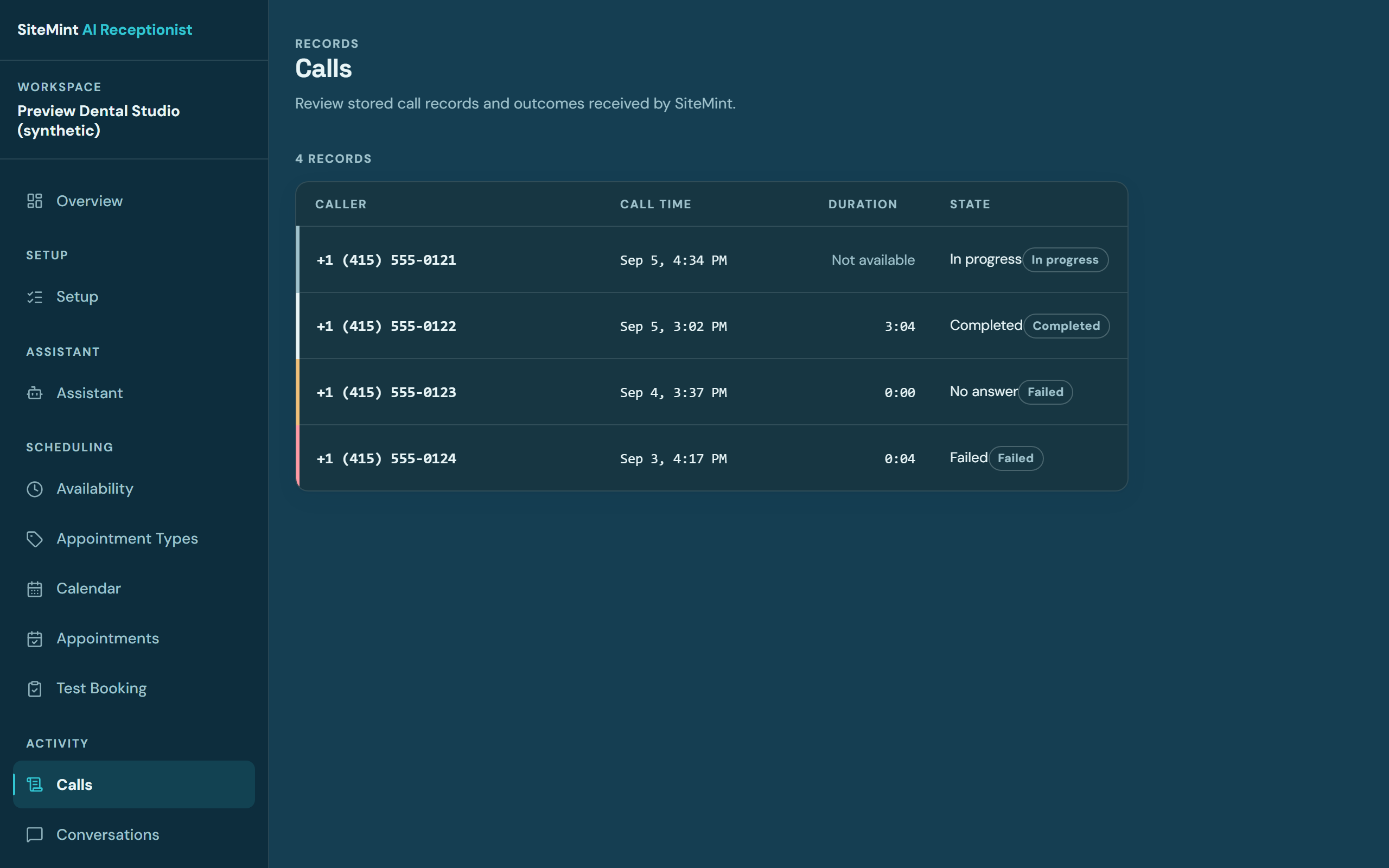
Every handled call as an operational record: who called, what the receptionist did, the outcome, and what was handed to a person. No raw recordings are retained by default.
SiteMint dashboard calls screen listing synthetic call records and outcomes
Call records — synthetic preview data

Contacts & follow-ups

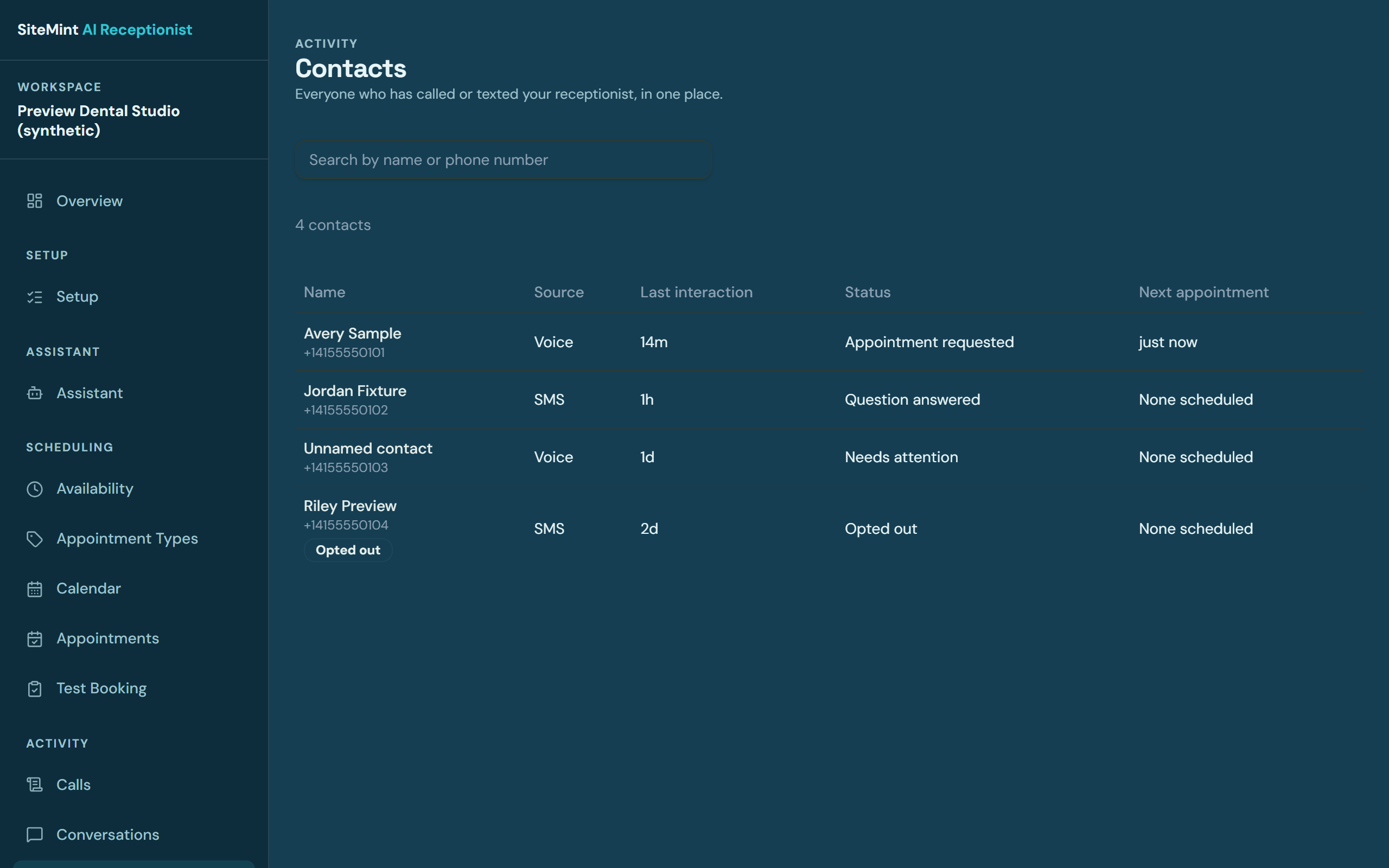
Callers become contacts with history attached, so follow-ups happen from context — not from memory.
SiteMint dashboard contacts screen with synthetic contact records
Contacts — synthetic preview data

Appointments

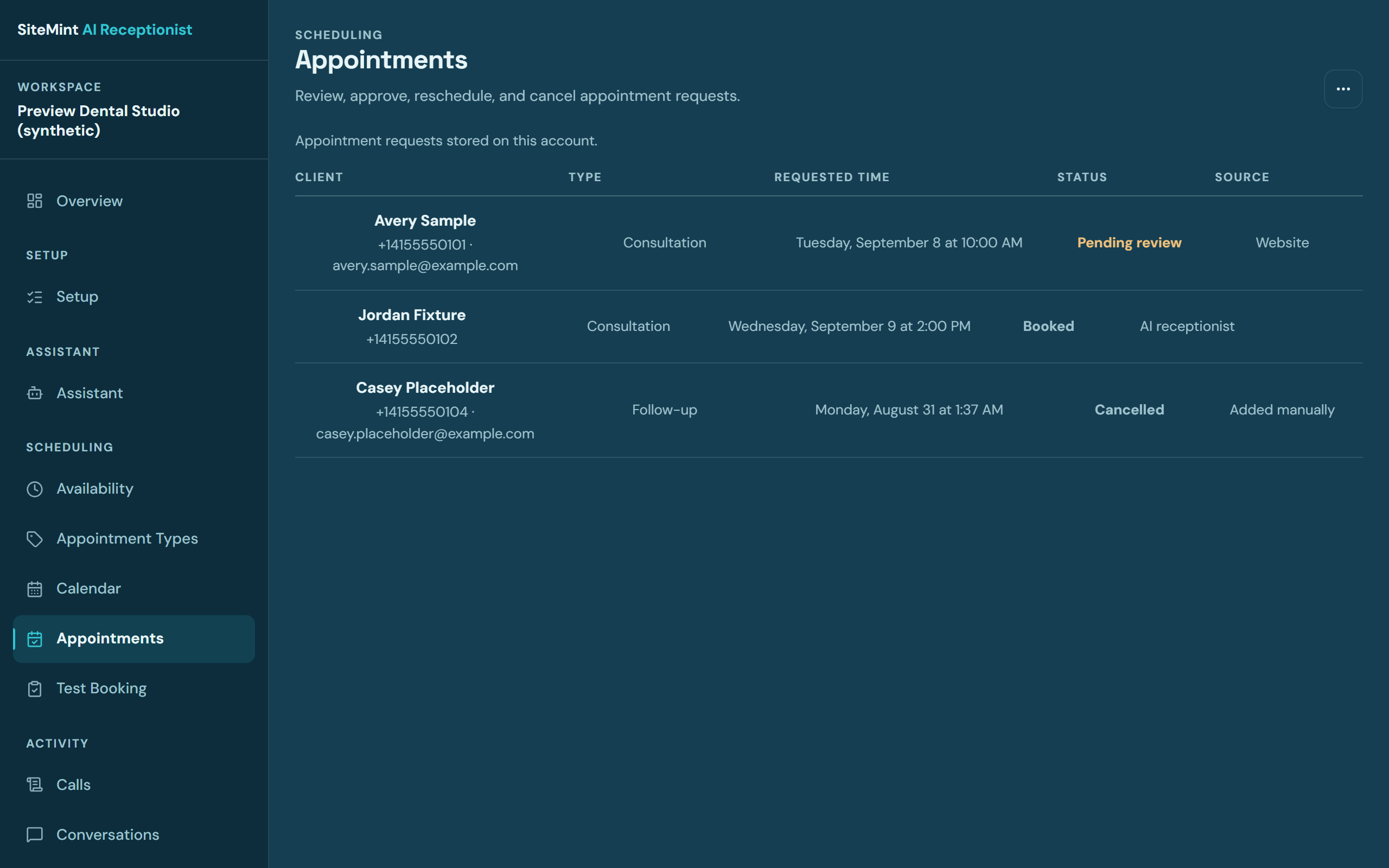
Bookings the receptionist takes land on a real schedule, with confirmations tracked through to completion.
SiteMint dashboard appointments screen listing synthetic scheduled appointments
Appointments — synthetic preview data

Availability & configuration

The business stays in charge: open hours, appointment types, and what the receptionist may offer are configured here — every automated behavior has an off switch.
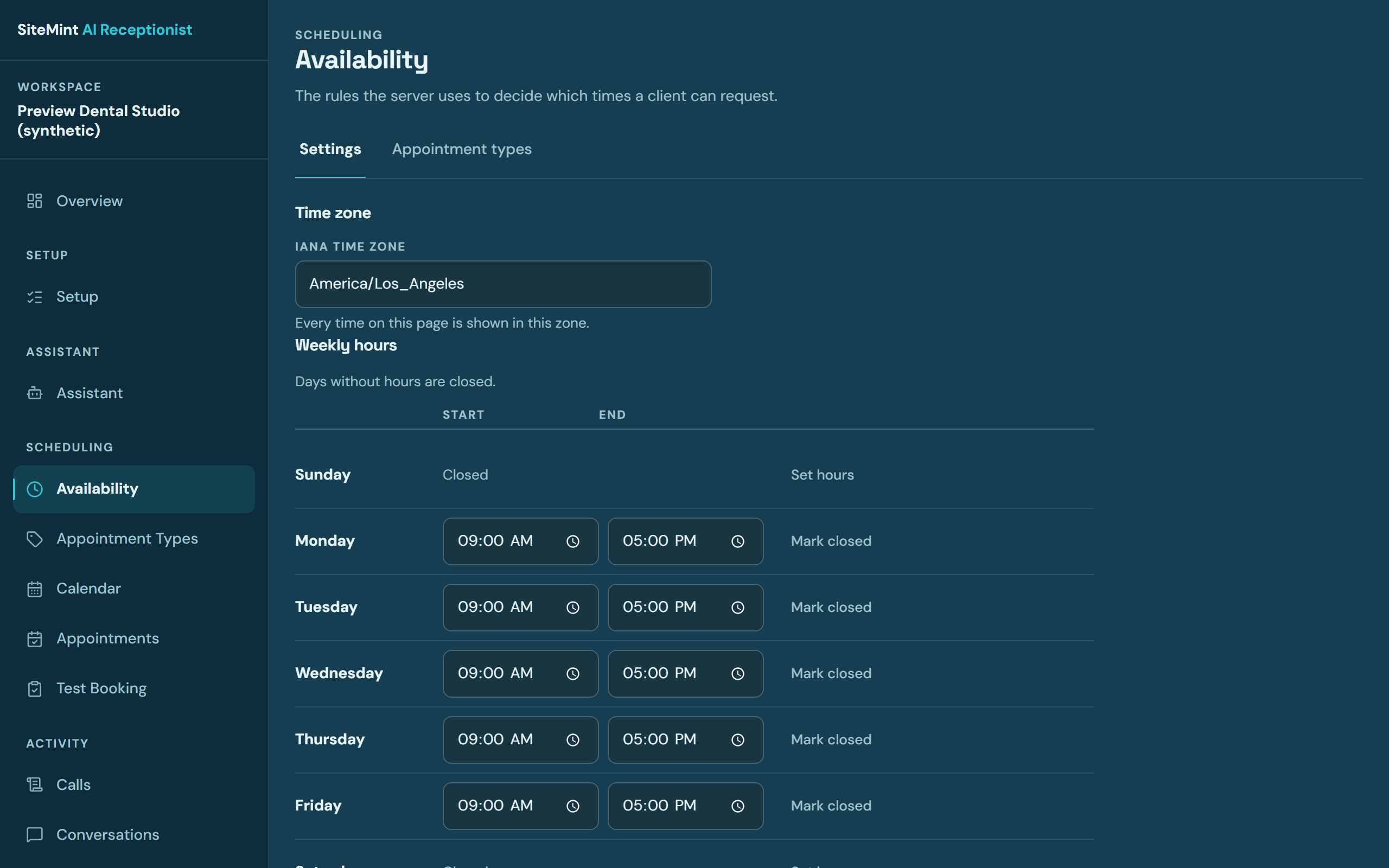
SiteMint dashboard availability screen showing an editable weekly schedule
Availability — synthetic preview data
02 · CRM & operations

Where the call ends up: a capability demonstration.

The map below walks the same seven steps a project or inquiry moves through in a SiteMint-built CRM. Every name in it is invented for illustration — the real SiteMint Operations CRM is private, role-protected, and never shown publicly.

  1. 01 · Workflow step

    Discovery submitted

    What comes in
    A structured intake brief — business details, goals, current tools, and budget range — submitted through the discovery flow, never a bare contact form.
    What SiteMint organizes
    SiteMint creates a new project record and a contact record the moment the brief lands, tagged with its source and every intake answer attached as notes.
    What automation may run
    A webhook pushes the submission into the pipeline and fires an acknowledgment email within a minute. No automation touches pricing or scope.
    What the team sees
    A new card in the Discovery column with the full brief attached, visible to the assigned reviewer — nothing is client-facing yet.
    Useful next action
    A reviewer reads the brief and replies with a straight answer or books the discovery call.
    New project recordIllustrative example — not a real client record
    ContactJordan — Bloom Dental
    SourceDiscovery brief · web
    StageDiscovery submitted
01 · Workflow step

Discovery submitted

What comes in
A structured intake brief — business details, goals, current tools, and budget range — submitted through the discovery flow, never a bare contact form.
What SiteMint organizes
SiteMint creates a new project record and a contact record the moment the brief lands, tagged with its source and every intake answer attached as notes.
What automation may run
A webhook pushes the submission into the pipeline and fires an acknowledgment email within a minute. No automation touches pricing or scope.
What the team sees
A new card in the Discovery column with the full brief attached, visible to the assigned reviewer — nothing is client-facing yet.
Useful next action
A reviewer reads the brief and replies with a straight answer or books the discovery call.
New project recordIllustrative example — not a real client record
ContactJordan — Bloom Dental
SourceDiscovery brief · web
StageDiscovery submitted

Ready when you are.

The AI Receptionist is in private, invite-only beta. Request access and we will walk your business through setup.